
OSM Offline Maps Android Wear1.0 - Google Play
You'll be able to see results in few seconds.
Publisher Description
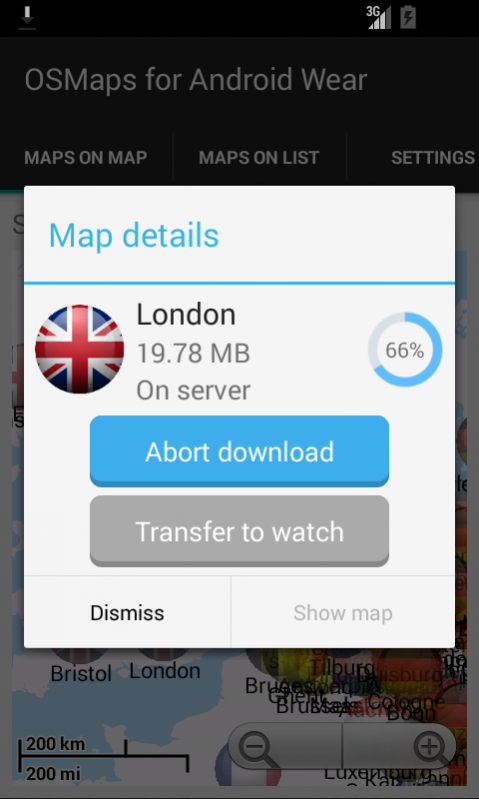
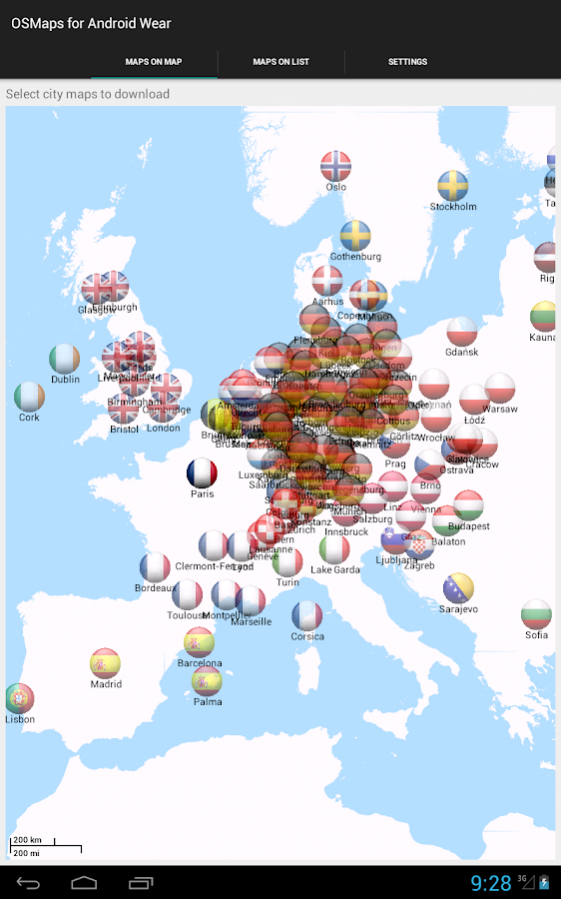
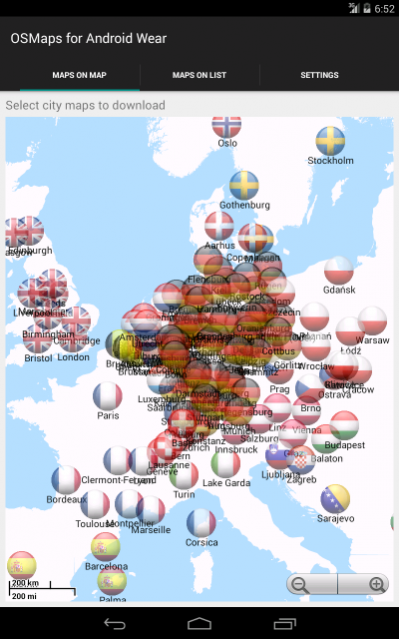
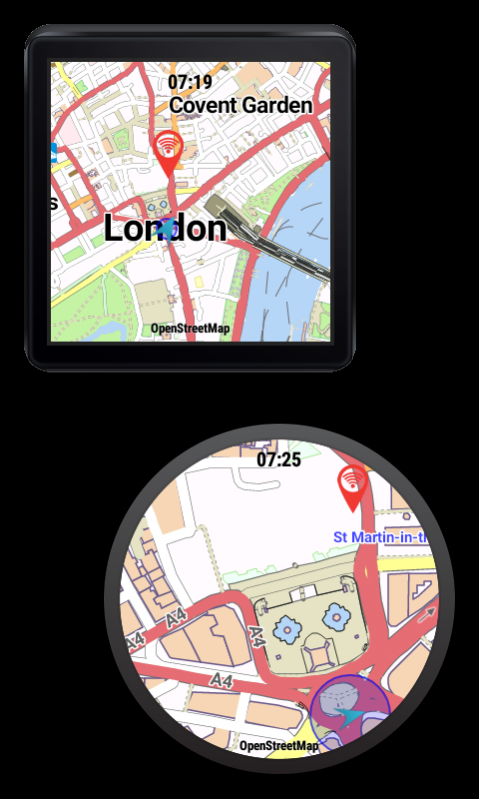
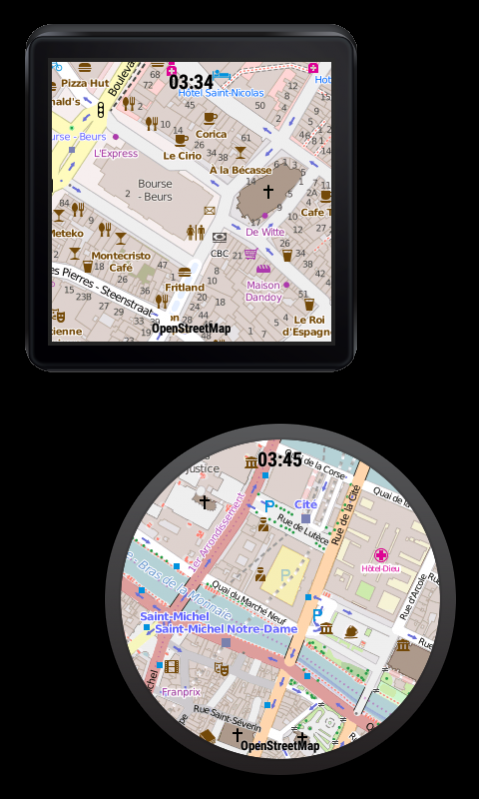
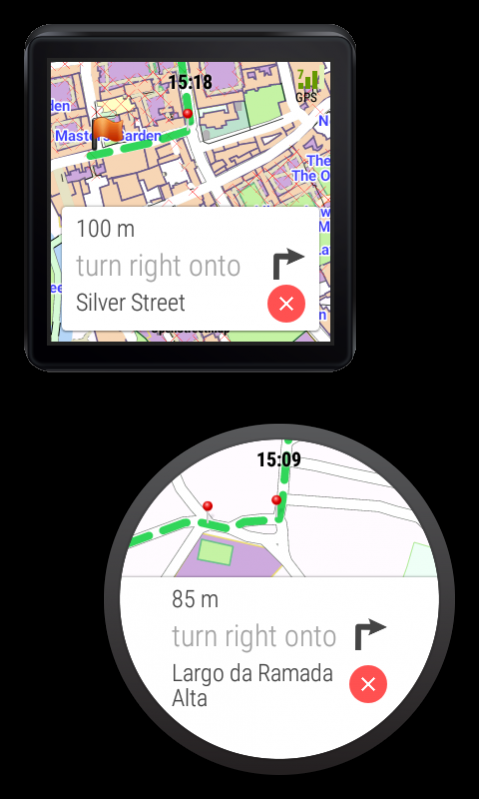
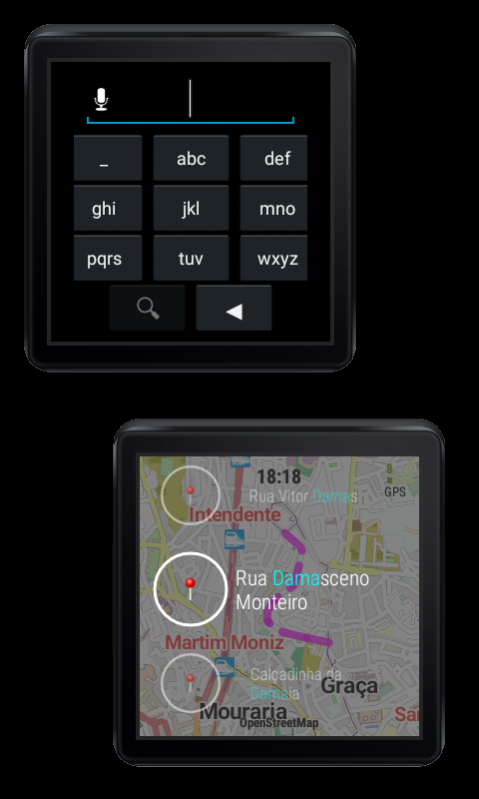
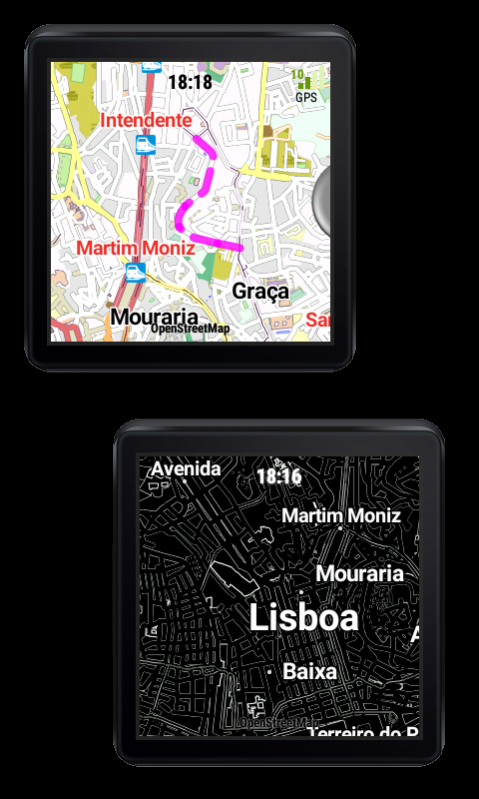
OSM City Maps for Android Wear allows you to view Open Street Maps (OSM) directly on your Android Wear device. Maps are accessible both in online in offline mode.
In online mode the app downloads data directly from OpenStreetMap server.
For offline mode you can pre-load maps onto your phone and then transfer them to your wearable for standalone execution (even without phone).
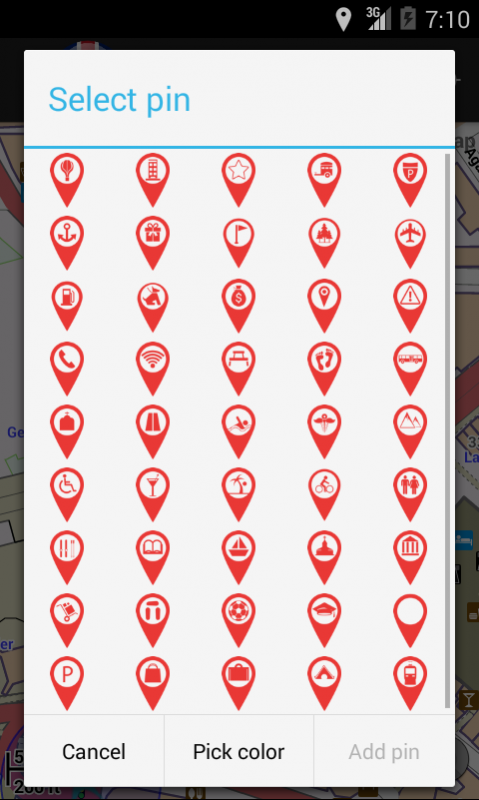
Moreover, for each offline map you can add custom pins to mark your personal point of interests. There are 45 pins to choose from, each can be given distinct color and title. Pins will appear on your map on watch.
If you are missing a map, please use in-the-app Map Request form and submit your request. Now you can also import a map yourself; instructions are included in the app.
We are also introducing route planning feature into the app based on the Graphhooper library. While in testing phase the feature is free to use without limitations on the maps that support navigation.
Free version of the app will show a Trial message on the watch screen. This can be removed by buying premium version as in-app purchase.
This app does not directly embed maps (apart form simplified world map). All maps are downloaded by user selection. The app uses maps from OpenStreetMap.org project (Open Data Commons Open Database License) and as rendering engine it uses MapsForge library.
App offers access to almost 1000 offline cities maps, among them:
London,
New York City,
Paris,
Barcelona,
Tokyo,
Bejing,
Berlin,
Frankfurt,
Warsaw,
Lisbon,
Dublin,
Montreal,
Mexico City,
Moscow,
etc...
Should you have any problems using this app - before giving us a bad rating - please contact us at play@travelerpocketguide.com
We will be happy to help you.
About OSM Offline Maps Android Wear
The company that develops OSM Offline Maps Android Wear is TPGTeam. The latest version released by its developer is 1.0.
To install OSM Offline Maps Android Wear on your Android device, just click the green Continue To App button above to start the installation process. The app is listed on our website since 2017-01-22 and was downloaded 0 times. We have already checked if the download link is safe, however for your own protection we recommend that you scan the downloaded app with your antivirus. Your antivirus may detect the OSM Offline Maps Android Wear as malware as malware if the download link to com.wearofflinemap.world is broken.
How to install OSM Offline Maps Android Wear on your Android device:
- Click on the Continue To App button on our website. This will redirect you to Google Play.
- Once the OSM Offline Maps Android Wear is shown in the Google Play listing of your Android device, you can start its download and installation. Tap on the Install button located below the search bar and to the right of the app icon.
- A pop-up window with the permissions required by OSM Offline Maps Android Wear will be shown. Click on Accept to continue the process.
- OSM Offline Maps Android Wear will be downloaded onto your device, displaying a progress. Once the download completes, the installation will start and you'll get a notification after the installation is finished.
Version History
version 1.0
posted on 2017-01-22
Now it is possible to import GPX track for reference and have it displayed on the map
Fixed issue with missing streets names. Now if a map contains streets names then they will be shown when zoomed-in.
Less permissions needed
Improved ambient mode
Added night mode
If your location is outside of the map but you have other map on your watch which covers your location, the app now will propose to switch the map.
version 1.0
posted on 2016-06-03
Improved ambient mode,Added night mode,If your location is outside of the map but you have other map on your watch which covers your location, the app now will propose to switch the map.
Disclaimer
Official Google Play Link
We do not host OSM Offline Maps Android Wear on our servers. We did not scan it for viruses, adware, spyware or other type of malware. This app is hosted by Google and passed their terms and conditions to be listed there. We recommend caution when installing it.
The Google Play link for OSM Offline Maps Android Wear is provided to you by apps112.com without any warranties, representations or guarantees of any kind, so access it at your own risk.
If you have questions regarding this particular app contact the publisher directly. For questions about the functionalities of apps112.com contact us.
